
2.7 Setting
The Setting page supports project-member management and project deletion. Select Manage project to open the Manage access page.
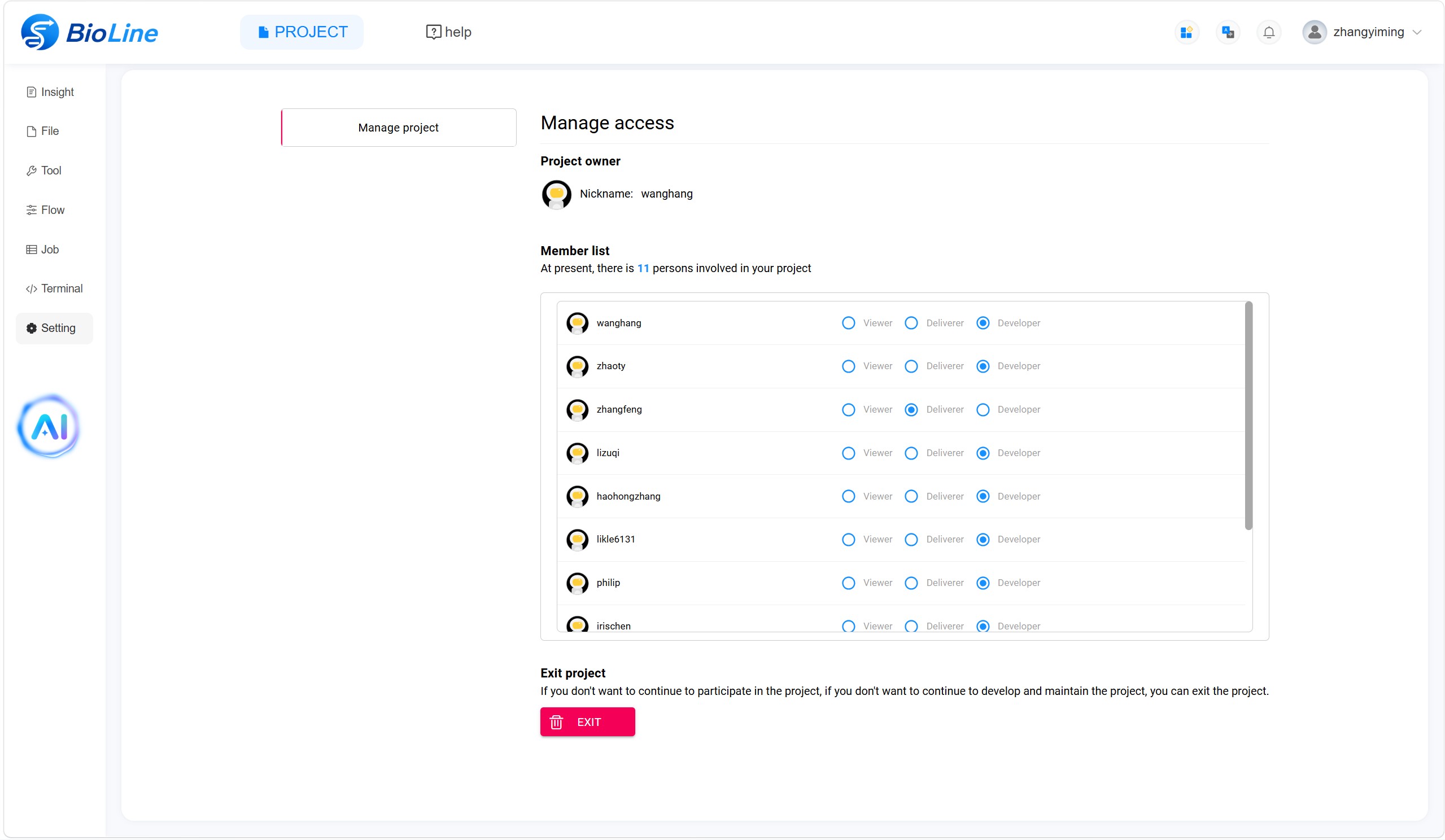
Manage Access
Under Manage access, the project owner can add or remove members and assign one of the following roles:
- Viewer: Can access the project.
- Deliverer: Can access the project and download files.
- Developer: Can access the project; modify files, tools, and flows; upload and download files and tools; and submit jobs.
Delete a Project
Use delete at the bottom of the Manage project page when a project is no longer required or was created by mistake. Deleting a project permanently removes all project files, tools, flows, jobs, and related project information. Resources already published to the community are synchronised separately and are not automatically deleted. Remove a published resource from the community before deleting the project if it should no longer be available.